How to Run Ethernet Cable Through Walls
How to Run Ethernet Cable Through Walls | Network Installation Guide
How to Run Ethernet Cable Through Walls
Running Ethernet cable through walls is a common task for low voltage installers, IT technicians, electricians and telecom contractors. Proper installation ensures reliable network performance while protecting the cable and meeting building standards.
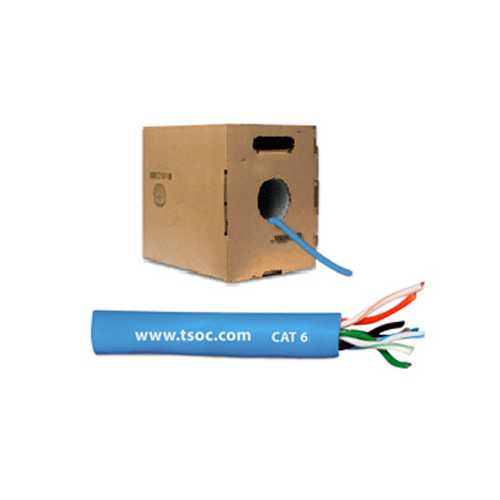
Most professional network installations today use Cat6 Ethernet cable for structured cabling systems due to its performance, durability and future network compatibility.
Tools Required
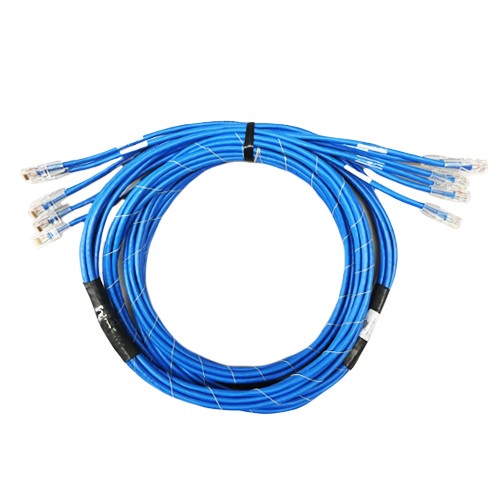
Professional installers typically use the following tools when running Ethernet cable through walls:
- Cat6 or Cat6A Ethernet cable
- Fish tape or cable pull rods
- Drill with long flex bit
- Cable staples or cable management clips
- Punch down tool
- RJ45 connectors or keystone jacks
Step 1 – Plan the Cable Route
Before drilling or pulling cable, plan the route between the network rack, patch panel, or router and the final wall outlet location.
- Avoid electrical wiring
- Keep cable paths clear of HVAC ducts
- Choose interior wall cavities when possible
- Minimize sharp bends in the cable
Step 2 – Drill Access Points
Using a long drill bit, create access holes through the top or bottom wall plates to route the cable between floors or inside wall cavities.
Professional installers typically run cables vertically through wall studs and horizontally through ceilings or cable trays when possible.
Step 3 – Use Fish Tape to Pull the Cable
Fish tape allows installers to guide Ethernet cable through enclosed spaces inside walls.
- Feed fish tape through the drilled hole
- Attach the Ethernet cable securely
- Pull the cable slowly to avoid damage
Step 4 – Maintain Proper Cable Handling
Ethernet cable must be handled carefully during installation to maintain signal integrity.
- Avoid tight bends or kinks
- Do not exceed the recommended bend radius
- Keep cables separated from power lines
- Do not pull cables with excessive tension
Step 5 – Terminate the Cable
Once the cable reaches the outlet location, terminate it using RJ45 connectors or punch-down keystone jacks following either the T568A or T568B wiring standard.
After termination, every cable should be tested using a network cable tester to confirm connectivity and signal performance.
Professional Ethernet Cable for Installers
Linear Technologies distributes professional-grade structured cabling products used by installers across Canada, including bulk Ethernet cable, connectors, tools, and network infrastructure hardware.